How to Backup a Picklist: Difference between revisions
From TrainzOnline
Jump to navigationJump to search
added instructions for TRS19 SP4 |
m Table tag correction |
||
| Line 168: | Line 168: | ||
----</td> | ----</td> | ||
</tr> | </tr> | ||
</table> <!-- END Step | </table> <!-- END Step 4 table --> | ||
</td> | </td> | ||
</tr> | </tr> | ||
</table> <!-- END Step Table --> | |||
<table> <!-- BEGIN Nav Buttons Table --> | <table> <!-- BEGIN Nav Buttons Table --> | ||
<tr valign="top"> | <tr valign="top"> | ||
| Line 180: | Line 181: | ||
</tr> | </tr> | ||
</table> <!-- END Nav Buttons Table --> | </table> <!-- END Nav Buttons Table --> | ||
='''Transfer the List to Notepad (or Any Text Editor)'''= | ='''Transfer the List to Notepad (or Any Text Editor)'''= | ||
Revision as of 20:59, 14 October 2021
The information in this Wiki Page applies to TANE, TRS19 and Trainz Plus. This guide will show you how to backup a Picklist.
 |
|
 |
 |
 |
| Main Points: | |
 |
Picklists (as a list of assets) cannot be saved as .CDP files so they cannot be backed up using that method |
|
Picklists can be saved as text files |
|
Picklists can be imported from text files |
|
There is NO way to select the Default Picklist for moving or backup |
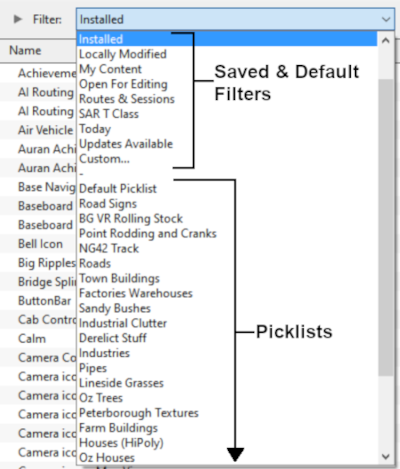
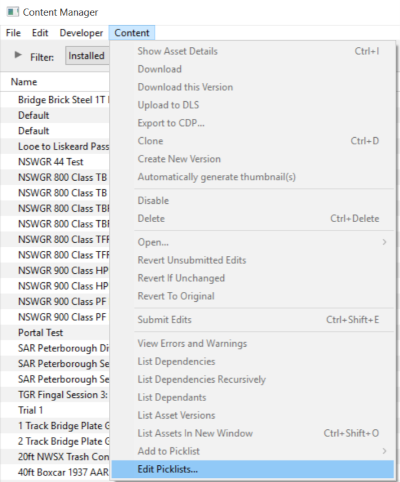
Access Your Current Picklists
 Steps |
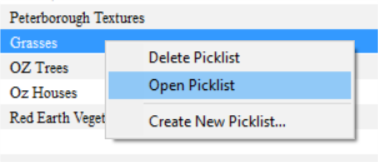
 Open CM and Your Picklists
|
||||||||||
|
|
|||||||||||
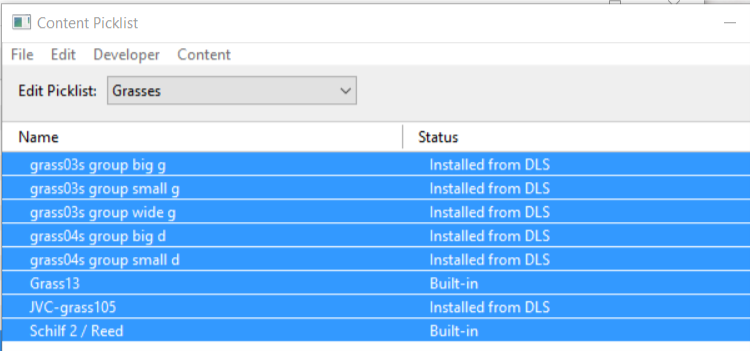
 Select Picklist Contents:
|
|||||||||||
|
|
|||||||||||
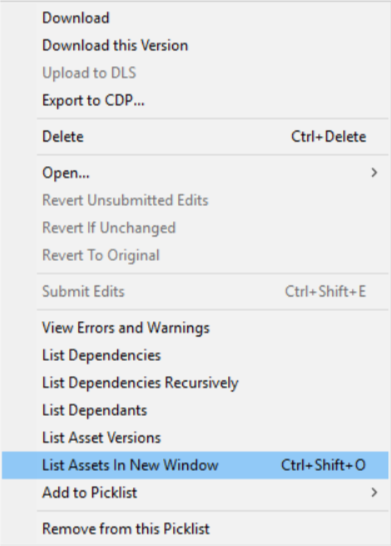
 Transfer List to a New Window:
|
|||||||||||
|
|
|||||||||||
 Copy Assets in Picklist:
|
|||||||||||


|
 |
|
|
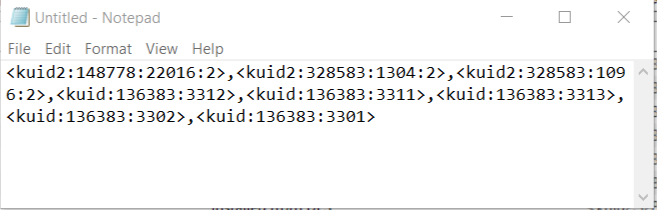
Transfer the List to Notepad (or Any Text Editor)
Steps |
Open Notepad or Any Other Suitable Text Editor:
|
|||
Save the Picklist as a Text (.txt) File:
|
||||
|
|
|
How to Restore a Picklist
|
Restoring a Picklist basically involves reversing the above steps |
|
|
||||
Steps |
Open Notepad or Other Text Editor:
|
|||
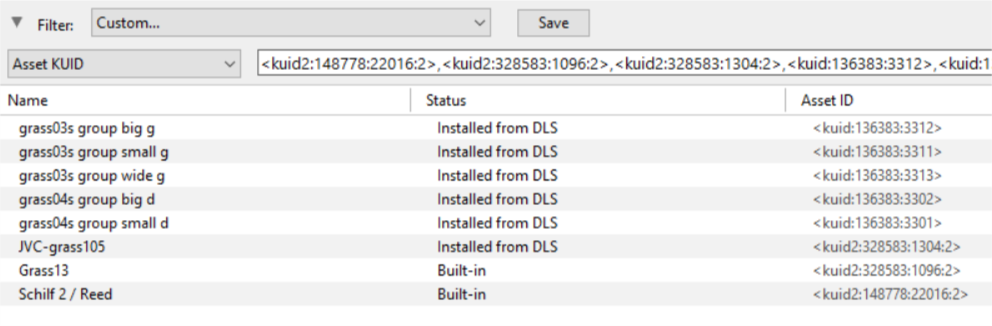
Open CM in the Destination Trainz and Create a New Filter:
|
||||
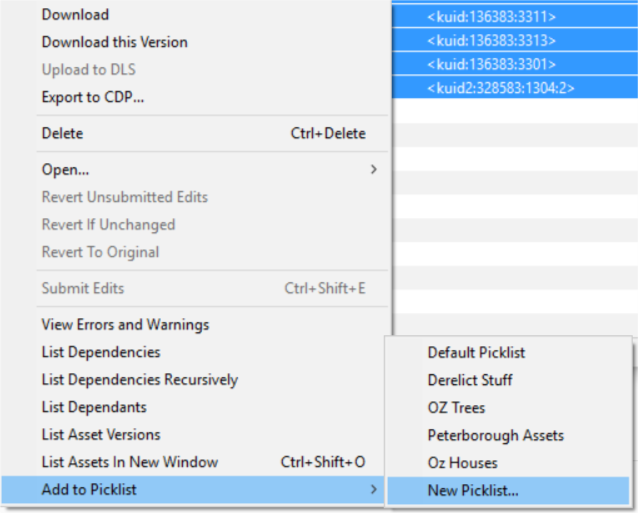
Create a New Picklist:
|
||||
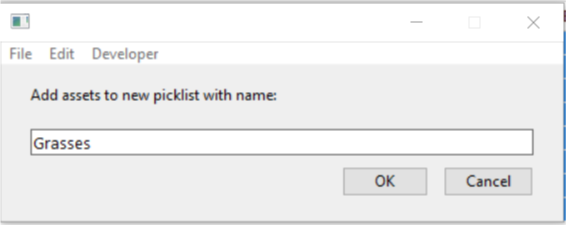
Enter a Name for the Picklist:
|
||||

|
|
Trainz Wiki
 |
More Tutorials and Guides to Using Trainz |
This page was created by Trainz user pware in January 2019 and was last updated as shown below.
