How to Create a Picklist: Difference between revisions
From TrainzOnline
Jump to navigationJump to search
mNo edit summary |
mNo edit summary |
||
| Line 437: | Line 437: | ||
<td> | <td> | ||
<span style="font-size: 17px;">'''More Tutorials and Guides to Using Trainz'''</span><br> | <span style="font-size: 17px;">'''More Tutorials and Guides to Using Trainz'''</span><br> | ||
*'''<span class="plain; | *'''<span class="plain;">[http://online.ts2009.com/mediaWiki/index.php/HowTo How to Guides]</span>''' | ||
*'''[[Driver Commands List]]''' | *'''[[Driver Commands List]]''' | ||
*'''[[Session Rule List with Parameters|Session Rules List (Alphabetical) with Parameters]]''' | *'''[[Session Rule List with Parameters|Session Rules List (Alphabetical) with Parameters]]''' | ||
| Line 462: | Line 462: | ||
</table> | </table> | ||
---- | ---- | ||
This page was created by Trainz user '''<span class="plain; | This page was created by Trainz user '''<span class="plain;">[http://online.ts2009.com/mediaWiki/index.php/User:Pware pware]</span>''' in January 2019 and was last updated as shown below. | ||
---- | ---- | ||
[[Category:How-to guides]] | [[Category:How-to guides]] | ||
Revision as of 23:57, 25 July 2026
|

|
|||||||

Using Surveyor Classic |
 |
 |
 |
| Steps: | |||||
 |
Open the Picklist Window:
|
||||

 |
Select a Picklist or Create a New Picklist:
|
||||||||||||
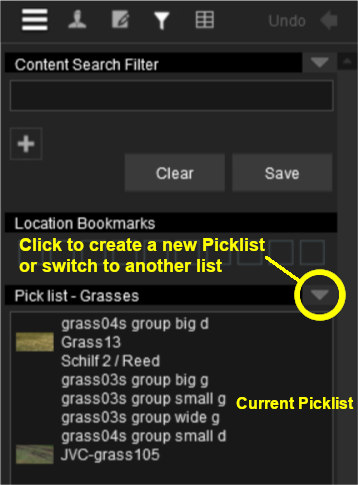

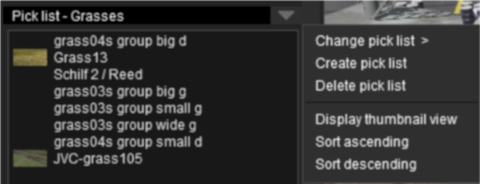


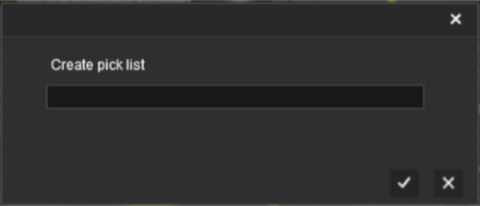
 |
Add Assets to the Picklist: Options: Choose one of two methods:- |
||||||||||||||||||||||||||||||||||||||||
|
|||||||||||||||||||||||||||||||||||||||||
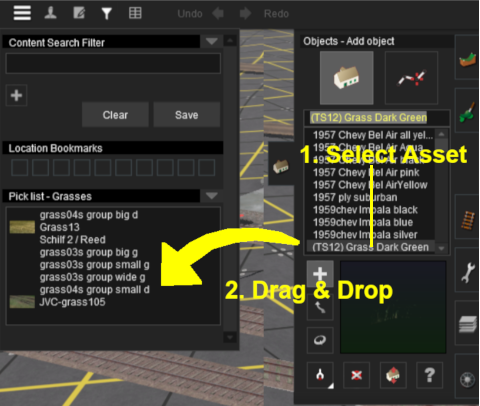


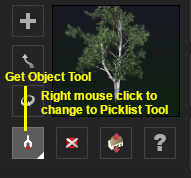

|
Using Content Manager (CM) |
 |
|
 |
|
| Steps: | ||||||||||||
|
Select the Assets:
|
|||||||||||
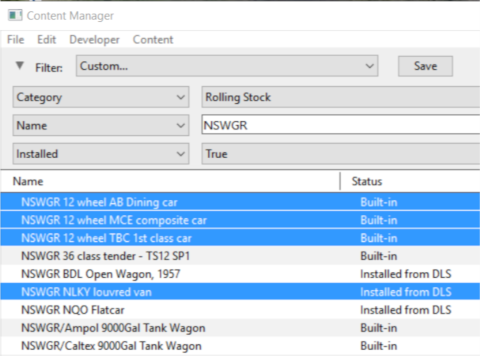
|
Add the Assets to the Picklist:
|
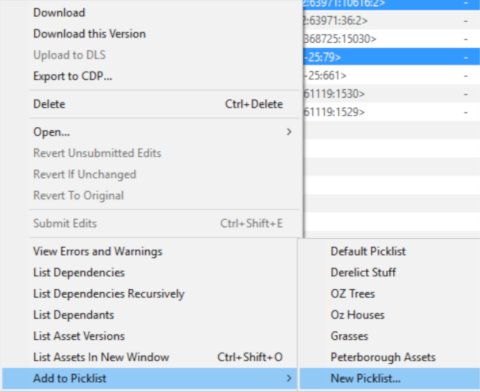
|
Enter Picklist Name (for New Picklist Option Only):
|
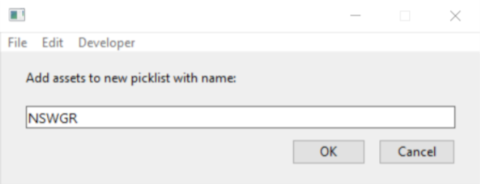
|
|
Trainz Wiki
|
|


This page was created by Trainz user pware in January 2019 and was last updated as shown below.


