The information in this Wiki Page applies to TANE, TRS19, Trainz Plus and TRS22.
| In Summary: |
 |
A Picklist is a user created list of commonly used assets (scenery, track objects, splines, textures, rolling stock - anything that you can add to a layout) |
|
You can create multiple picklists of related items (e.g. Bushes, Buildings, Trees, 4 wheel wagons, etc) that will be grouped together for easier selection
|
Trainz provides you with two different methods of creating Picklists, using either Content Manager (or Manage Content from the Trainz Launcher) or in Surveyor.
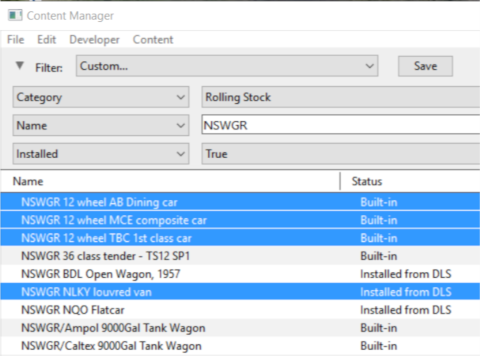
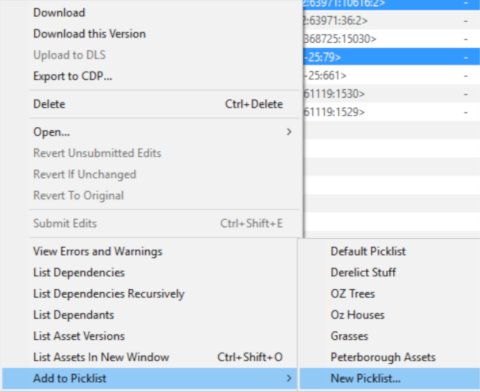
Using Content Manager (CM)
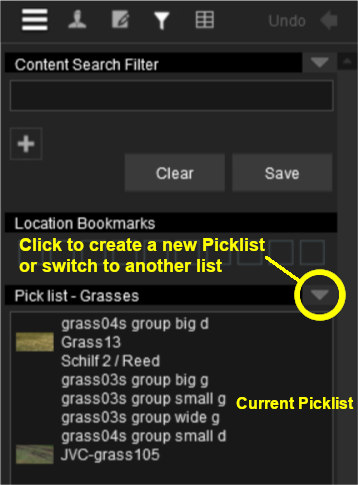
Using Surveyor

Steps |
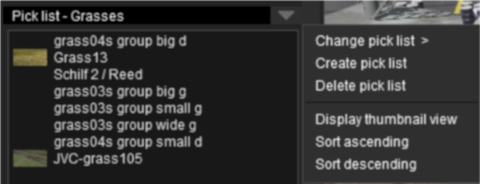
 Open the Picklist Window:
From Surveyor
- press Ctrl + Shift + F to open the full Search Filter tool (Note: pressing Ctrl + F will only open the find named asset filter tool)
|
|
|
| |
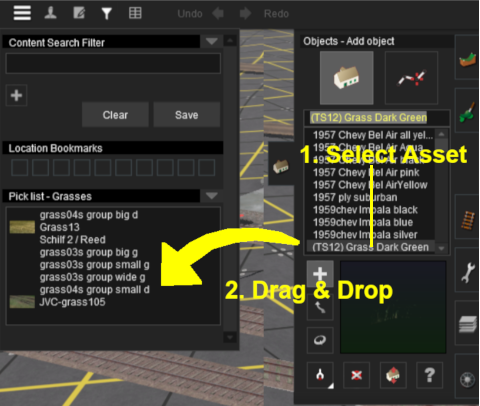
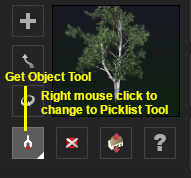
 Add the Assets to the Picklist:
|
| |
 |
 |
|
|
Trainz Wiki
 |
More Tutorials and Guides to Using Trainz
|
This page was created by Trainz user pware in January 2019 and was last updated as shown below.


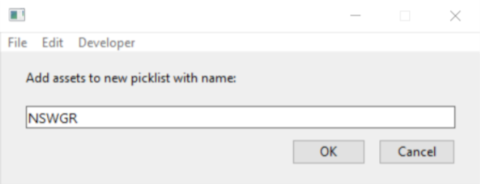
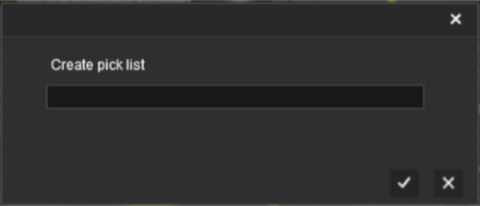
 Enter Picklist Name (for New Picklist Option Only):