How to Use Procedural Track
From TrainzOnline
The information in this Wiki Page applies to TANE, TRS19 and Trainz Plus.
What is a Procedural Track?
 |
Procedural tracks provide animated switch points plus check rails and frogs at track junctions |
Procedural track works just like the standard pre-TANE track (non-procedural track) but provides additional cosmetic features.
Procedural Track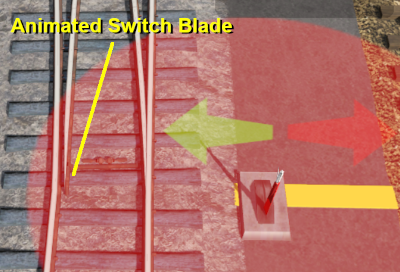 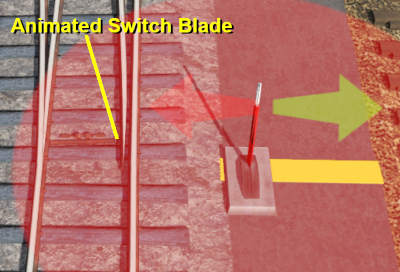 |
Non Procedural Track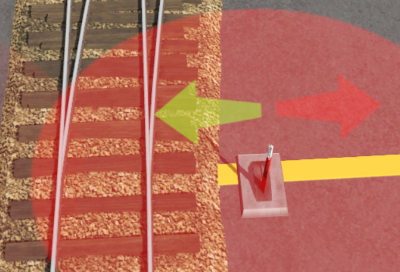 |
The switch blade animation will show in both Driver and Surveyor but in TRS19 Platinum Edition and Trainz Plus the Pause option in Surveyor must be checked OFF.
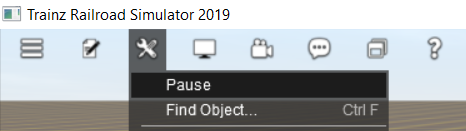
Procedural Track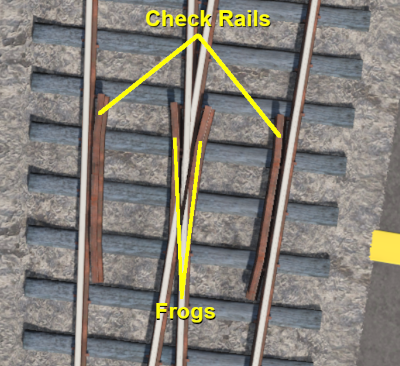 |
Non Procedural Track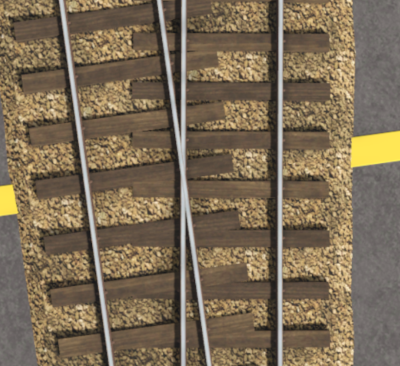 |
These features are built into the track asset and do not have to be manually added when laying track.
Trainz Wiki
 |
More Tutorials and Guides to Using Trainz |
This page was created by Trainz user pware in June 2021 and was last updated as shown below.
