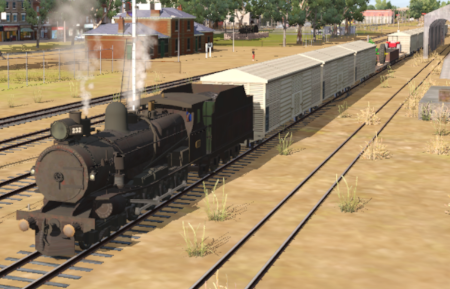
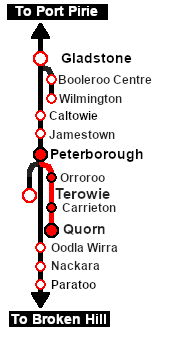
| A thrice weekly (if required) freight service from Quorn to Peterborough dropping wagons at locations as required. |
 |
Getting Started:
- If you have already closed the opening message window then the first step is to pause the session by pressing the P key.
- Next locate your loco. Either:-
- Open the Finder Tool (press Ctrl F ) and type, in the Name field, the name of the loco. For example SAR T 232 (or just T 232 should be enough). Click the tick icon, OR
- Open the Driver List (bottom left of the screen) and select the loco from there - click the drivers Eye icon to jump to the loco.
- Take a few moments to get your bearings. Click
 (this link will open in this window) to show the location details and track plans for Quorn. In each location details page:-
- Each location details page has direct links to the adjacent locations so you can explore along the route.
- When you are ready to start, reload the Peterborough Base Session page (click the Scenarios button on your current location page) and select this Scenario again or just use the Back button on your browser - whichever is quicker.
- Switch back to TRS19 Driver and either close the opening message window or press the P key to start the session.
|
|
Tutorial:
 |
A tutorial on using these scenarios is provided in the link on the left. The link will open in this window |
|
This page was created by Trainz user pware in February 2021 and was last updated as shown below.