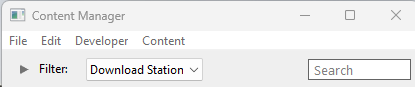
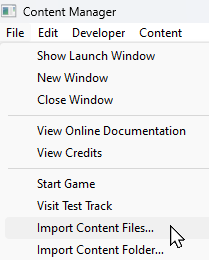
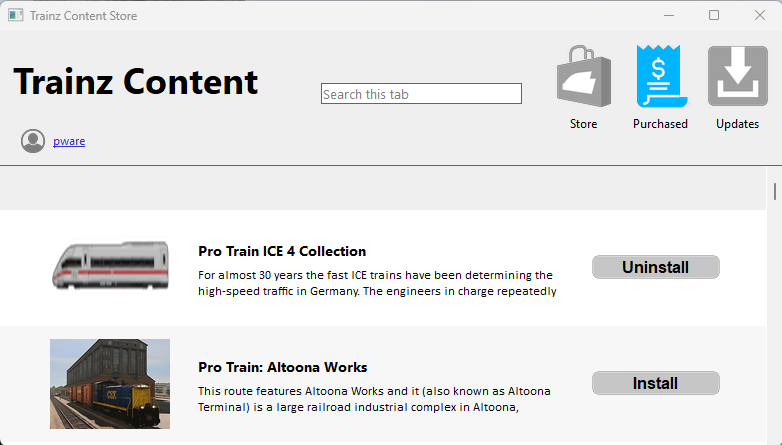
| The information in this Wiki Page applies to TRS19, Trainz Plus and TRS22 and describes the methods that can be used to restore assets deleted by Content Manager. |
|
|
 |
Notes:
|
|
|
 |
Deleted assets that were originally Installed from DLS can be easily restored by installing them again from the DLS |
 |
However, if for some reason you are unable to access the DLS and the deletion occurred during the last 7 days, then the assets can still be recovered from the automatic backups that Content Manager creates when assets are deleted. These backups are only held for 7 days. See  Restore Deleted Assets from the Backup for the details. |
|
|
Deleted assets that were installed from .cdp files can be easily restored by reinstalling them from the same .cdp files |
|
Payware and Packaged assets that were installed from a DLC package can be restored by reinstalling the same DLC Package |
|
If the identical Packaged asset is also on the DLS then it can be restored from there |
|
Assets deleted using Content Manager within the last 7 Days are stored in the Backup Folder for the date they were deleted |
|
Deleted assets are stored using their <kuid> code(s) and the date(s) they were deleted. Knowing this information is very helpful but is not vital |
Locating the Backups Folder
|
The Backups folder where deleted assets are held is a subfolder of your User Data Folder |
| Steps: To Locate your Backup Folder:- |
 |
Open Trainz Settings from the Trainz Launcher |
 |
Select the Install tab. The location of the User Data Folder will be shown.
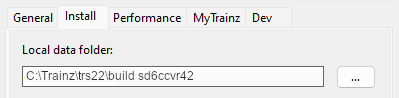
This is an Example Address Only |
The User Data Folder is usually in the C: drive User folder that is normally identified as %LOCALAPPDATA%\N3V Games\trs22\build xxxxxxx (where "xxxxxxx" is a random sequence of characters) but it can be moved to any location (and given any name) as shown in the image left |
|
 |
Highlight and copy the address shown:-
|
|
Trainz Wiki
 |
More Tutorials and Guides to Using Trainz
|
|
 |
Related Links
|
|
This page was created by Trainz user pware in April 2025 and was last updated as shown below.