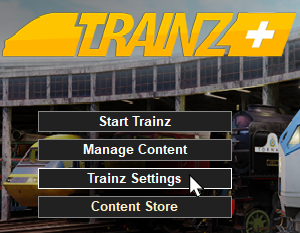
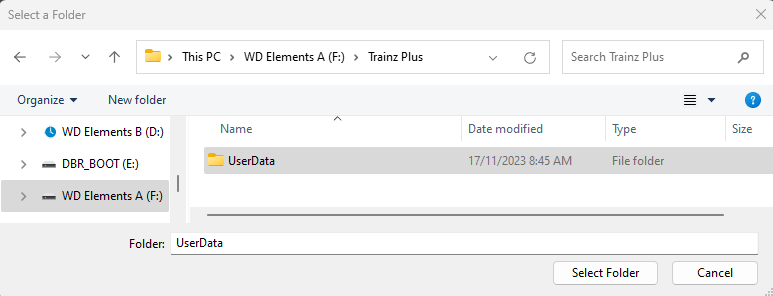
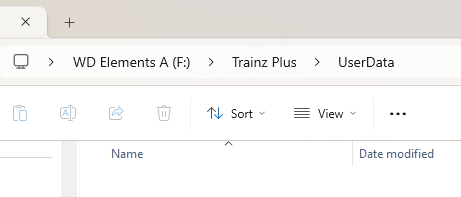
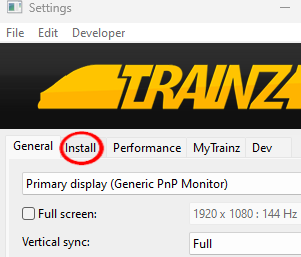
| The information in this Wiki Page applies to T:ANE, TRS19, TRS22 and Trainz Plus. It describes how to set up one (or more) alternative User Data Folders that can contain different sets of installed assets from a bare minimum Clean Install (with Built-in and Base assets only) to various specialist installs such as a DLS Install (with Built-in, Base and Downloaded from DLS assets only). |
|
|
 |
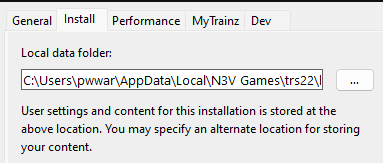
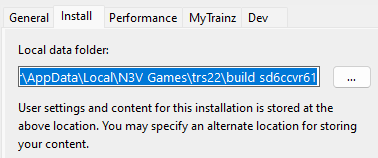
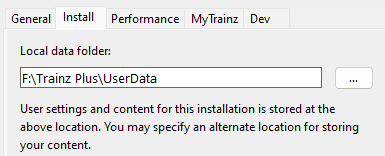
the User Data Folder, also known as the Local Data Folder, stores all your installed assets and packages, screenshots, script libraries, etc |
|
you can have multiple User Data Folders, each configured for different purposes (e.g. a current "full" install, a "minimal" install, a "DLS only" install, etc), and can switch between them when required |
|
What is a "Clean Install"
|
|
|
|
|
 |
 |
|
A Clean Install is a User Data Folder that contains only those assets that were originally installed with your version of Trainz |
|
There will be no assets that are Installed from DLS, Payware, Packaged or Modified but these can be added |
| A Clean Install will create a User Data Folder that is identical to the one that existed immediately after you first installed your current version of Trainz. |
|
|
|
|
the new folder can be created in a location (drive and folder tree) of your choosing |
|
it is strongly recommended that you record the location of your original User Data Folder and any alternative User Data Folders that you create |
|
You can switch Trainz between your seperate User Data Folders at any time |
|
Only those assets installed in your currently selected User Data Folder will be available for use in Trainz |
 |
WARNING:
If you have more than one copy of Trainz installed (e.g. Trainz Plus and TRS22) then it is NOT RECOMMENDED that these versions share the same User Data Folder. Each install of Trainz must have its own User Data Folder |
|
| Different User Data Folders can be created containing different sets of assets. Some examples:-
Once you have set up an alternative User Data Folder or Folders you can easily switch between them and the original at any time. |
Trainz Wiki
 |
More Tutorials and Guides to Using Trainz
|
|
 |
Related Links
|
|
This page was created by Trainz user pware in November 2023 and was last updated as shown below.