How to Move a Picklist
From TrainzOnline
|
 |
|

|

Access Your Current Picklists |
 |
 |
 |
| Steps: To Locate and Copy a Picklist:- | ||||||||||||||||||||||||||||||||
 |
Open Content Manager and Your Picklists
|
|||||||||||||||||||||||||||||||

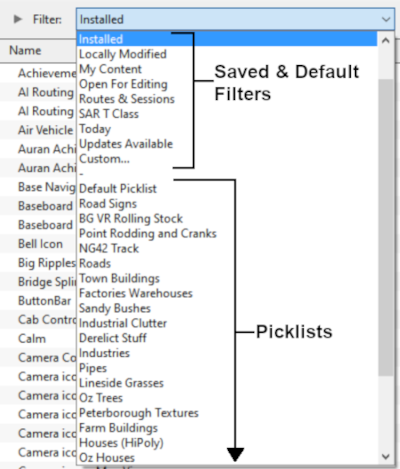


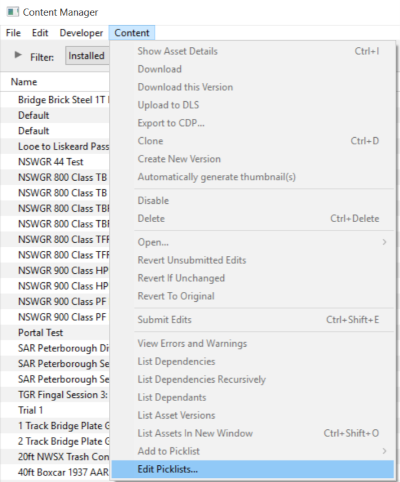


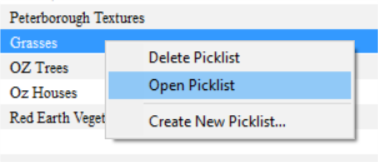
 |
Select the Picklist Contents:
|
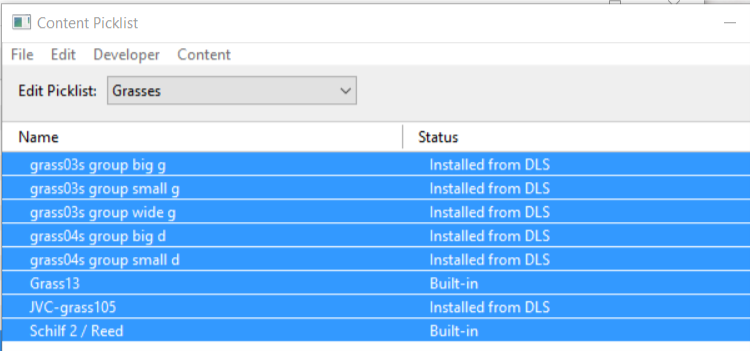
 |
Copy the List to a New Window:
|
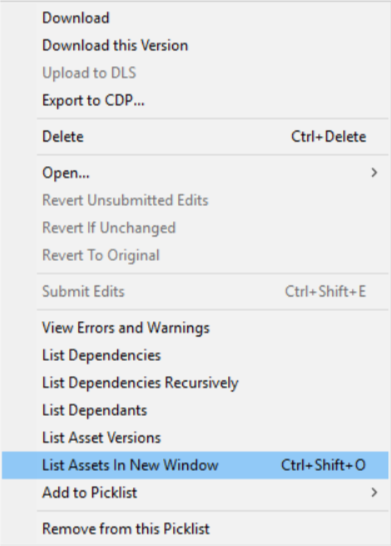
 |
Copy Assets in Picklist:
|
|||||||

Transfer the List to Another Copy of Trainz |
|
 |
|
|
||||||||||||||||||

| Steps: To Move the Picklist:- | |||||||||||||||||
 |
Open CM in the Destination Trainz and Create a New Filter:
|
||||||||||||||||

 |
Create a New Picklist:
|
||||||||||
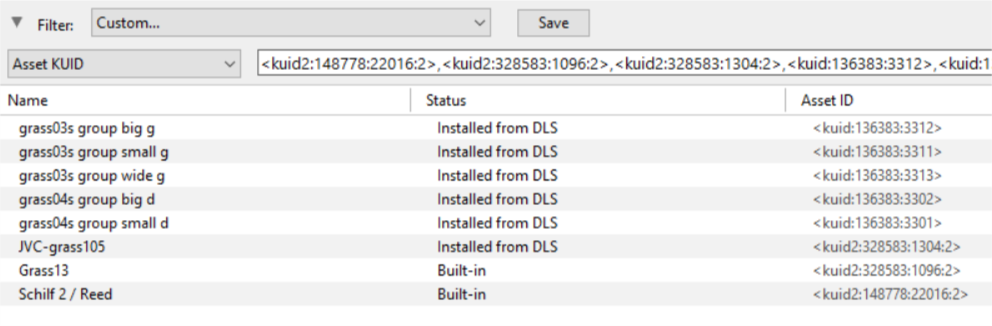
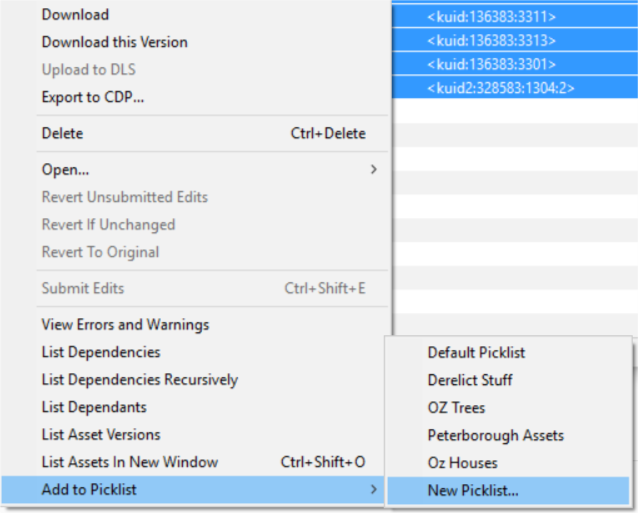
 |
Name the Picklist:
|
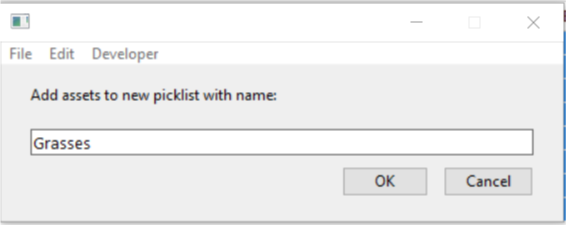
|
|
Trainz Wiki
|
|

This page was created by Trainz user pware in October 2018 and was last updated as shown below.

